
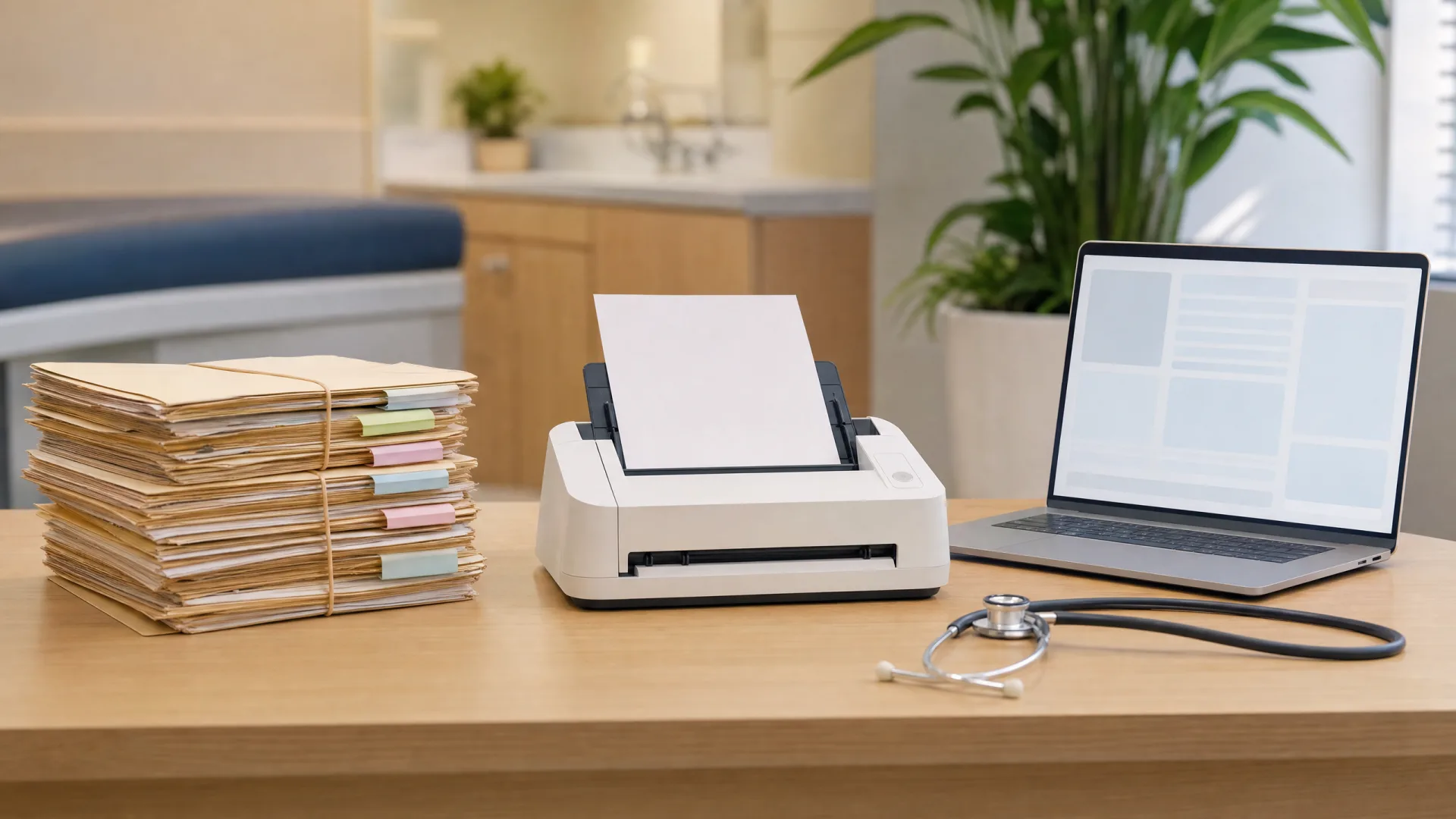
Going from paper to an electronic medical record (EMR) changes more than where the notes live. It changes how fast you find a patient’s history, how safely you prescribe, what happens if a file goes missing, and what you can prove about who saw what. It also brings real costs and a learning curve, and those are worth seeing clearly before you switch. This guide compares paper and EMR side by side, sets out what an EMR does better and where it’s harder, explains EMR vs EHR, and covers what’s specific to Singapore.
The 30-second version:
An EMR beats paper on legibility, search, backup, sharing and audit trail, and it adds things paper can’t do at all: prescribing checks, recall lists, and one record across teleconsult and in-person visits. The honest costs are setup and training, typing time, downtime and cybersecurity, and each has a known fix. Two local rules matter: electronic records are kept for Lifetime + 6 years, and contributing to NEHR under the HIA normally runs through an HIA-compliant HIMS.
Weighing systems already? Go to the buyer’s guide: How to Choose a Clinic Management System in Singapore
New to the category? An EMR is usually one part of a wider clinic management system, which adds appointments, billing and claims, and dispensing around the patient record.
Paper vs EMR at a glance
| Paper records | EMR | |
|---|---|---|
| Access | One physical file, in one place, for one person at a time | Open from the front desk, consult room or dispensary at once, and remotely for teleconsults |
| Legibility | Depends on handwriting | Typed and structured, so everyone reads the same thing |
| Search | Pull the file and read through it | Find a patient, diagnosis, drug or past result in seconds |
| Backup and loss | One copy; fire, water, misfiling or a lost folder can mean it’s gone | Backed up, often off-site; restorable if a device fails |
| Sharing | Photocopy, fax or courier | Referral letters and summaries generated from the record |
| Audit trail | Hard to show who read or changed a file, and when | Access and edits logged by user and time |
| Space | Filing cabinets and storage that grow every year | Server or cloud storage, no filing room |
| Cost | Low upfront; ongoing staff time, paper, printing and storage | Subscription or licence, setup and training; less admin time per visit |
The pattern is that paper is cheap to start and expensive to run, while an EMR asks for more effort upfront and then pays it back every day the clinic is open.
What an EMR does better
Fewer transcription and legibility errors. Handwriting gets misread, and details copied from one form to another get copied wrong. In an EMR the doctor types or selects once, and the same entry flows to the prescription, the label and the bill. Structured fields for allergies, medications and diagnoses leave less room for guesswork.
The record is there at the point of care. The patient’s history, allergies and current medications open with the consultation instead of arriving from the filing room (or not arriving at all). The doctor sees the same record whether they’re in the consult room, at home on call or covering another clinic in the group.
Prescribing checks. An EMR can check a new prescription against the patient’s recorded allergies and current medications before it’s dispensed, and flag likely clashes. Paper relies entirely on the doctor remembering, or on someone turning back through the file.
Reporting and recall. Because the data is structured, the clinic can ask questions of it: which diabetic patients are overdue for review, who is due a vaccination, how many visits came in last month. Recall lists that would take a morning to compile by hand take a few clicks.
Continuity across teleconsult and in-person care. When a clinic runs both its teleconsults and its walk-in visits on the same system, each patient has one record: the video consult note, the clinic visit, the prescription and the results sit together. On paper, or on two separate systems, the doctor seeing the patient in person may not see what happened online, and the patient ends up with two partial histories.
The honest downsides of EMRs
Going digital isn’t free, and it helps to name the costs up front. Each one below comes with how clinics typically manage it.
1. Upfront cost and setup. There’s a subscription or licence, plus time to configure the system, set up templates and bring existing records across. How clinics manage it: compare total cost over two to three years rather than month one, check which grants apply, and choose a cloud system to avoid buying and maintaining a server. The buyer’s guide covers total cost in detail.
2. The learning curve. For the first few weeks, staff are slower while they learn where things are. How clinics manage it: train before go-live, not on the day; start with a lighter appointment book for the first week; and name one in-house “super-user” who learns the system deeply and helps others.
3. Typing time in the consultation. Typing can feel slower than scribbling, and a screen can pull attention from the patient. How clinics manage it: build templates and favourites for common presentations and prescriptions, use shortcuts and saved phrases, and position the screen so the doctor can face the patient while charting.
4. Downtime. A power cut, internet outage or system issue can stop a clinic that runs entirely on screen. How clinics manage it: keep a simple paper downtime pack (consultation and prescription forms) and a written procedure for entering those notes into the EMR afterwards; for cloud systems, consider a backup internet connection; and ask your provider how it handles outages and support.
5. Cybersecurity. A digital record can be attacked in ways a filing cabinet can’t, and a breach can expose many records at once. How clinics manage it: unique logins for every user, access by role, multi-factor authentication where available, regular updates, tested backups, and staff awareness of phishing. In Singapore these controls are becoming requirements: the HIA’s CS/DS Essentials set the baseline, phased in by service type (GP clinics by September 2027), and the PDPA already applies to the patient data you hold.
None of these is a reason to stay on paper. They are reasons to plan the switch rather than improvise it.
EMR vs EHR: what’s the difference?
In everyday use, usually none. EMR (electronic medical record) and EHR (electronic health record) are mostly two names for the same thing: the digital patient record a clinic keeps, with its consultation notes, diagnoses, prescriptions and results. Clinic software is sold under both labels, and this guide says EMR throughout.
Some people draw a stricter line, keeping EMR for one practice’s own chart and EHR for a record built to follow the patient across providers. If a vendor uses the terms that way, ask what they mean by them.
For a Singapore clinic, the distinction that matters is between your own record and NEHR, the national record that collects selected information across providers. That’s where the next section starts.
The Singapore angle
Three local points change how the EMR vs paper decision plays out for a Singapore clinic.
Retention periods differ by format. Under the HCSA Licence Conditions on the Retention Periods of Patient Health Records, paper outpatient records must be kept for 6 years from the last consultation or treatment, while computerised / electronic records must be kept for the patient’s Lifetime + 6 years. Moving to an EMR therefore lengthens the retention period for those records, which makes reliable backup and long-term storage part of the decision. The full rules, including high-risk cases and what “Lifetime” means, are in How long must a clinic keep medical records in Singapore?
Your EMR isn’t NEHR, and NEHR isn’t your EMR. The National Electronic Health Record (NEHR) is Singapore’s nationwide health record, owned by MOH and managed by Synapxe. It holds a summarised copy of selected health information from many providers, not doctors’ notes. Your EMR stays the clinic’s complete working record, and it is the system that sends information to NEHR. For how NEHR works and a side-by-side of the two, see What is NEHR?
The HIA ties NEHR contribution to your system. Under the Health Information Act (HIA), licensed providers will contribute key health information to NEHR, phased by service type. The standard route is an HIA-compliant HIMS: one certified for NEHR Connectivity, holding Cyber Essentials (CE) for HIMS (or equivalent) certification, and declared compliant with the Code of Practice for Data Portability. MOH will also offer a temporary web portal, the Alternate Contribution Channel, for providers who need more time, but it means entering data by hand and MOH describes an integrated HIA-compliant HIMS as the standard long-term approach. For an in-scope clinic, that makes going digital the practical path, and choosing a certified system the real decision. For deadlines, grants and the full picture, start with the pillar: Health Information Act (HIA): What It Means for Your Clinic.
Moving from paper to an EMR
The switch is mostly a planning exercise. Three decisions shape it.
Scan, or start fresh? You can scan existing paper files and attach them to each patient’s record, or build each record in the EMR from the patient’s next visit and pull the paper file only when needed. Many clinics do both: start fresh for every patient, scan active patients’ key history (allergies, chronic conditions, recent results) before go-live, and scan older files on demand. In Singapore, a paper record that’s been scanned or microfilmed counts as an electronic record under the HCSA retention conditions, so the scanned copy must be kept for the electronic period, Lifetime + 6 years. What you may then do with the paper originals is covered in the retention guide.
Run both in parallel, briefly. For the first weeks, keep the paper files accessible while new consultations go into the EMR. Set a cut-off date after which nothing new is written on paper, so you don’t end up with two half-records for the same patient.
Train before go-live. Give every role (front desk, doctors, nurses, dispensary) hands-on time with the workflows they’ll use on day one, and agree the downtime procedure at the same time.
If you’re moving from another system rather than from paper, the questions to ask about data migration and support are in the buyer’s guide: Data migration and support.
Next steps
- Map what you have. How many active patients, how many paper files, and which records you’d want scanned first.
- Shortlist systems. Use the buyer’s guide to compare features, cloud vs on-premise and total cost. If your clinic is in Singapore and in scope for the HIA, start with certified systems only.
- Plan the switch. Choose scan vs start fresh, set your parallel-running cut-off, and book training before go-live.
OtterSG is an HIA-compliant HIMS that runs teleconsult and in-person care on one system, so each patient keeps a single record, delivered with cybersecurity and support in one programme. See how that works →
This guide is general information for clinics; it is not legal or procurement advice. Retention periods, HIA scope and NEHR requirements in Singapore are set by the government and may change. Verify at the official sources before deciding.